
 Acer Laptop Batteries


 Acer Laptop Housing

 Kingston Laptop Ram

 Lexar Laptop SSD
 Laptop Touch Pad


SSD & NVMe M.2 Drives Sri Lanka – Laptop & PC Upgrades for Speed

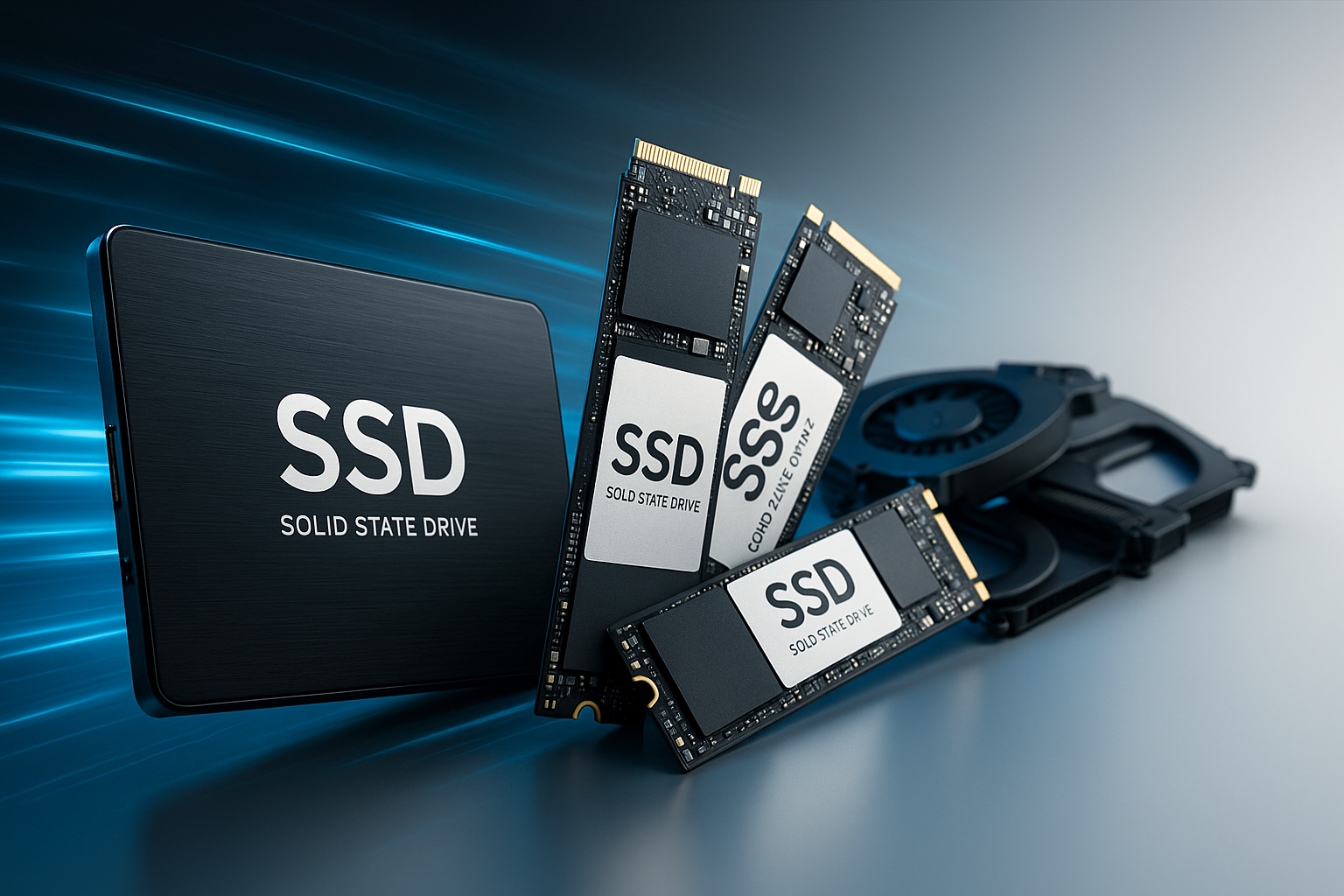
Slow laptops are one of the biggest complaints in Sri Lanka, especially from office users, students and home users still running on old mechanical hard drives. The most effective upgrade today is switching to a Solid State Drive (SSD) or NVMe M.2 drive.
We supply a full range of SSD, SATA and NVMe M.2 storage in Sri Lanka, suitable for technicians, system builders, repair shops and corporate IT upgrades.
What This Product Is & Why It’s Important
An SSD is a storage drive that uses flash memory instead of spinning disks. It provides much faster read/write speeds, which translates to:
- Faster Windows boot times
- Faster application and game loading
- Smoother multitasking
NVMe M.2 drives are even faster and connect directly to the motherboard through the M.2 slot.
Common upgrade reasons:
- Laptop very slow to start
- HDD making noise or failing
- Need more speed for office or gaming
Key Features / Specifications
- Type:
- 2.5" SATA SSD
- M.2 SATA SSD
- M.2 NVMe (PCIe) SSD
- Capacity Options:
- 120GB, 240GB, 256GB, 480GB, 512GB, 1TB and above
- Speed:
- SATA SSDs up to ~500MB/s
- NVMe SSDs much higher depending on model
- Interface:
- SATA III
- NVMe Gen 3 / Gen 4 (for supported motherboards)
- Durability & Warranty:
- Shock resistant
- Long TBW ratings
- Manufacturer warranty periods (varies by brand)
- Brands:
- Samsung, Lexar
Product Variants We Offer
2.5" SATA SSDs
- 120GB / 240GB / 480GB / 960GB
- Ideal for most older laptops + desktops
M.2 SATA SSDs
- For laptops/desktops with M.2 SATA support
M.2 NVMe SSDs (PCIe)
- 256GB / 512GB / 1TB and above
- For modern laptops, gaming PCs and workstations
Benefits of Buying From Us
- Wide Range of Capacities & Types – From entry-level to high-performance.
- Ideal for Laptop Upgrades & New Builds – Suitable for both personal and corporate projects.
- Wholesale Pricing for IT Shops & Technicians – Get better margins on upgrade packages.
- Genuine Products with Warranty – No fake or refurbished SSDs.
- Technical Guidance – Help to choose between SATA and NVMe depending on your system.
How to Choose the Right SSD / NVMe
- Check Supported Interface:
- Older laptops → 2.5" SATA SSD.
- Newer laptops / desktops → check if there’s an M.2 slot and whether it supports SATA, NVMe or both.
- Decide Capacity Based on Use:
- 240–256GB → OS + basic apps
- 480–512GB → OS + apps + data
- 1TB+ → heavy data, gaming, content creation
- Look at Workload:
- Office & study → SATA SSD is usually enough.
- Gaming, editing, heavy workloads → NVMe recommended.
Common Problems & Solutions
- Problem: System very slow with HDD
- Cause: Mechanical HDD bottleneck.
- Solution: Clone OS or clean install on SSD.
- Problem: SSD not detected
- Cause: Wrong interface, incorrect BIOS setting, or faulty drive.
- Solution: Check BIOS (AHCI/UEFI), confirm SATA vs NVMe slot, re-seat drive.
- Problem: Not enough space
- Cause: Low capacity drive for user needs.
- Solution: Upgrade to bigger SSD, use old drive as secondary storage.
FAQ
Q1. Will SSD really make my old laptop faster?
Yes, in most cases the speed improvement is very noticeable – faster startup, app loading and overall responsiveness.
Q2. Can you clone my old HDD to SSD?
If you provide such service, mention it, otherwise just focus on parts supply.
Q3. Do you offer warranty?
Yes, SSDs come with manufacturer-backed warranty depending on brand and model.
Q4. Do you provide special prices for bulk corporate upgrades?
Yes, we can quote bulk SSD packages for offices, schools and institutions.
👉 Technicians & resellers: Contact us for bulk SSD & NVMe prices and model availability.
👉 Retail & corporate buyers: Tell us your laptop/PC model and current storage – we’ll recommend the best upgrade option.
WhatsApp : 071 380 3838