
 Acer Laptop Batteries


 Acer Laptop Housing

 Kingston Laptop Ram

 Lexar Laptop SSD
 Laptop Touch Pad


Laptop Cooling Fan Sri Lanka – CPU & GPU Fan Replacement for All Brands

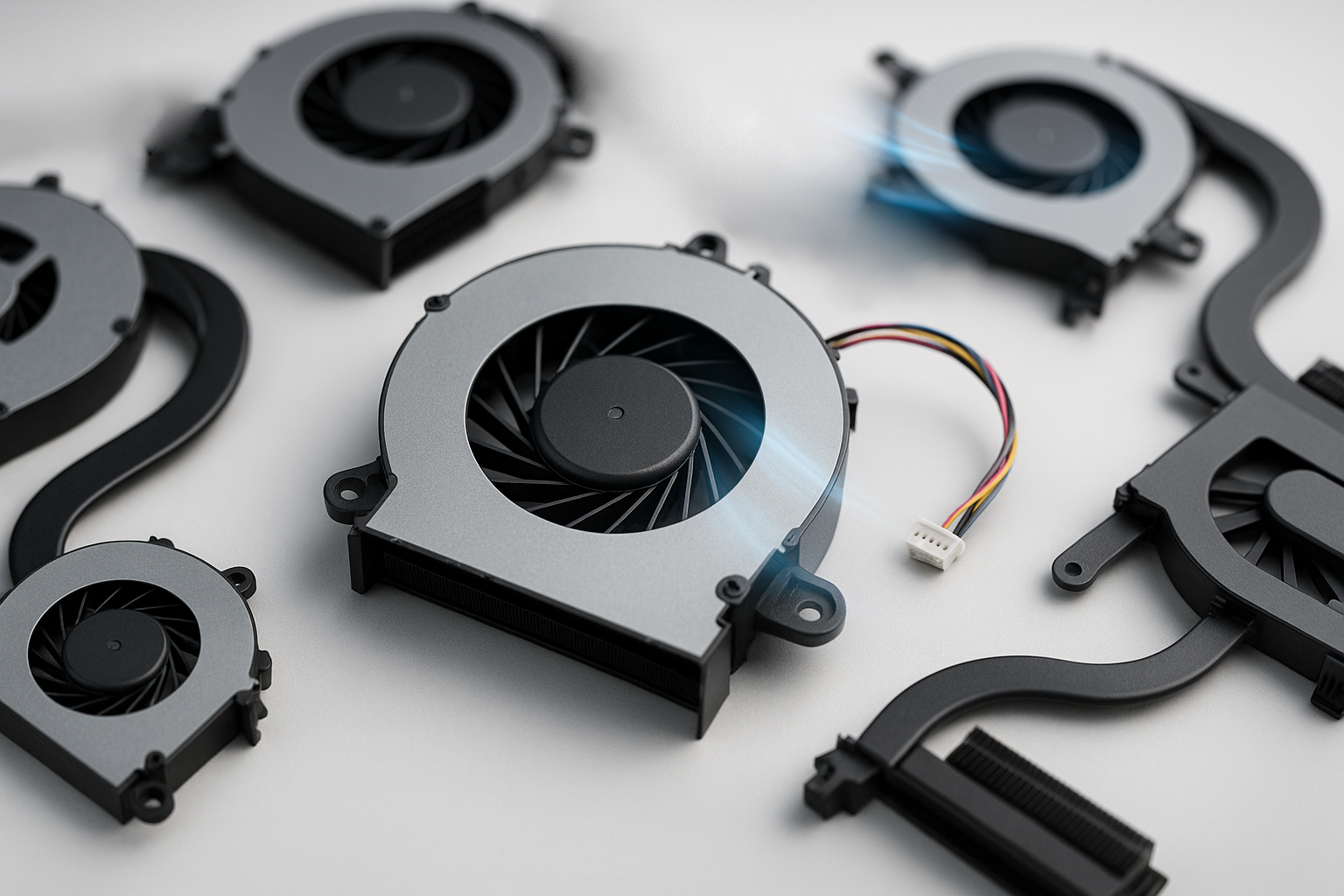
Laptop cooling fans in Sri Lanka for HP, Dell, Lenovo, Asus, Acer & more. Fix overheating, loud noise & auto-shutdown issues. Wholesale & retail, islandwide delivery.
Overheating is a major problem in Sri Lanka’s hot climate. Dust, blocked vents and worn-out fans can cause laptops to run extremely hot, throttle performance or randomly shut down. For technicians and IT teams, replacing the laptop cooling fan is a crucial part of a proper service.
We supply laptop cooling fans in Sri Lanka for a wide range of models, ideal for repair shops, resellers and corporate IT maintenance.
What This Product Is & Why It’s Important
A laptop cooling fan pulls cool air through the heatsink and pushes hot air out of the system. When the fan slows down, gets noisy or stops working, heat builds up inside the laptop, damaging components over time.
Common failure symptoms:
- Loud grinding or rattling noise from the fan area
- Laptop getting extremely hot near vents
- Sudden shutdowns during games or heavy work
- Fan not spinning at all
A good-quality replacement fan helps extend the life of CPU, GPU and motherboard.
Key Features / Specifications
- Compatibility:
- Brand & model specific (HP, Dell, Lenovo, Asus, Acer, MSI, etc.)
- Matched with heatsink assembly design
- Fan Type:
- CPU fan, GPU fan, or dual-fan sets (for gaming laptops)
- Connector Type:
- 3-pin / 4-pin connectors
- RPM & Airflow:
- Designed to match original cooling performance
- Warranty:
- Warranty for manufacturing defects (no physical/impact damage).
Product Variants We Offer
- HP Laptop Fans
- Dell Laptop Fans
- Lenovo Laptop Fans
- Asus & Acer Laptop Fans
- Gaming Laptop Fans - High-RPM fans for selected models (MSI, Asus, Dell, etc.)
Benefits of Buying From Us
- Model-Matched Fans – Correct fitment and connector type.
- Tested for Smooth Operation – No abnormal noise on new parts.
- Ideal for Laptop Service Centers – Stock up common models for quick repairs.
- Wholesale Pricing – Better margins for technicians and resellers.
- Islandwide Delivery – Faster access to parts across Sri Lanka.
How to Choose the Right Laptop Fan
- Confirm Exact Model:
- Example: “HP 15-bs series”, “Dell 3567”, “Lenovo G50-80”.
- Check Fan Shape & Screw Points:
- Compare old and new fans for heatpipe alignment and mount points.
- Read Part Number if Visible:
- Fan label often has part numbers that can help match.
- Send Photos:
- Clear pictures of the old fan and connector help avoid mismatch.
Common Problems & Solutions
- Problem: Loud noise from the fan
- Cause: Worn-out bearing or dust buildup.
- Solution: Cleaning may help briefly, but replacement is the permanent fix.
- Problem: Laptop overheats and shuts down
- Cause: Non-working fan, clogged heatsink or dried thermal paste.
- Solution: Replace fan, clean heatsink, apply new thermal paste.
- Problem: Fan not spinning at all
- Cause: Dead motor or power line issue.
- Solution: Replace fan; if still not spinning, check motherboard fan connector.
FAQ
Q1. Can I use any fan that fits physically?
No. You must use a fan designed for that model to ensure correct airflow and connector compatibility.
Q2. Do you offer full cooling assemblies (fan + heatsink)?
For some models, yes. Please ask with your laptop model number.
Q3. Do you offer bulk discounts?
Yes, we provide wholesale pricing for laptop repair shops and resellers.
👉 Technicians & service centers: Contact us today for cooling fan stock lists and bulk pricing.
👉 Retail & corporate customers: Share your laptop model if you’re facing overheating or fan noise, we’ll guide you on replacement options.
WhatsApp : 071 380 3838