
 Acer Laptop Batteries


 Acer Laptop Housing

 Kingston Laptop Ram

 Lexar Laptop SSD
 Laptop Touch Pad


Laptop RAM Sri Lanka – DDR3 & DDR4 Memory Upgrades Wholesale & Retail

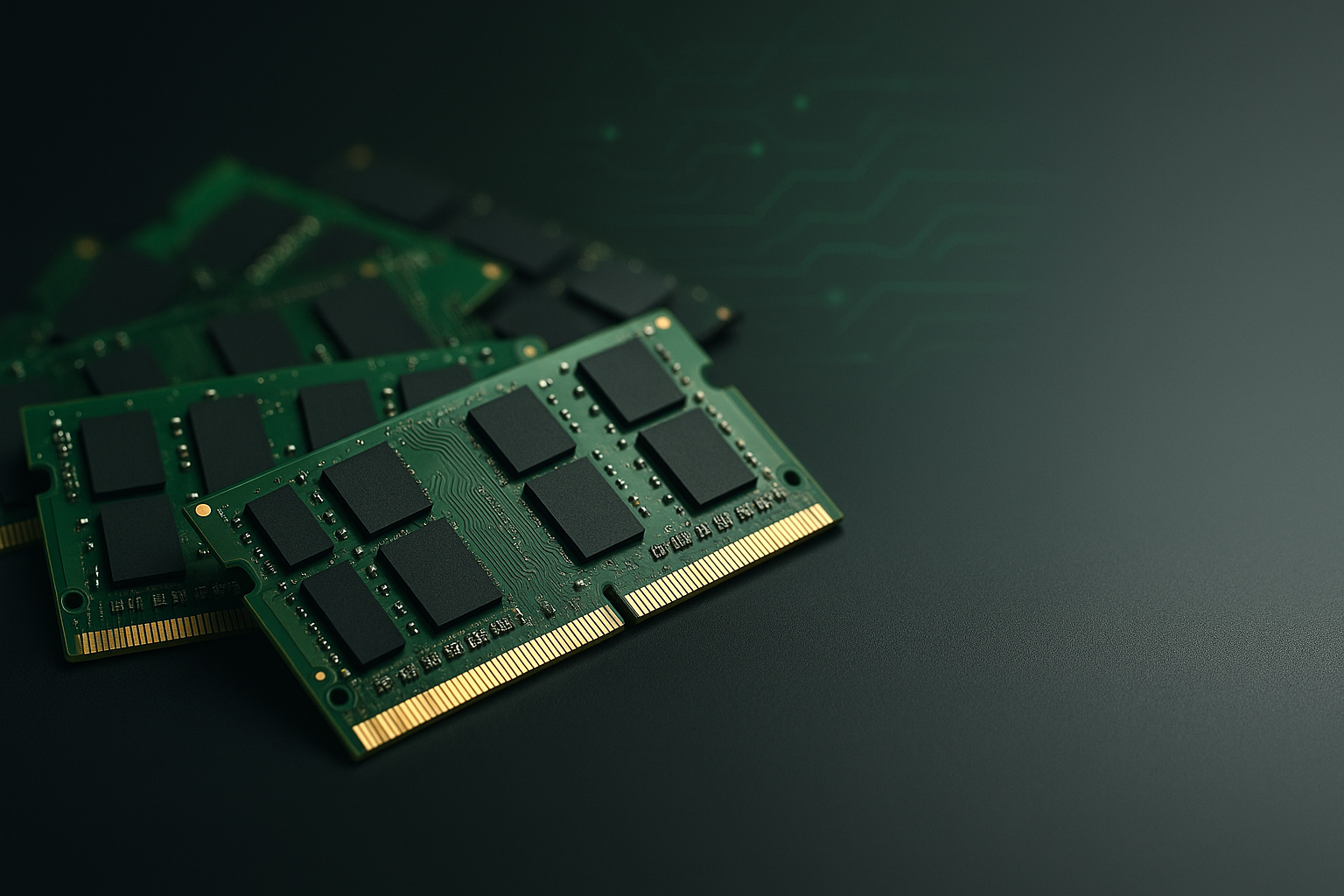
When a laptop hangs, freezes or struggles to handle multiple programs, the issue is often insufficient RAM. In Sri Lanka, upgrading laptop RAM is a highly effective and affordable way to speed up older machines and improve productivity.
We supply a wide range of laptop RAM cards in Sri Lanka – DDR3, DDR4 and selected DDR5 modules – suitable for technicians, shops and corporate IT teams.
What This Product Is & Why It’s Important
RAM (Random Access Memory) is the short-term memory that your laptop uses to run applications and handle multitasking.
Common upgrade reasons:
- Laptop slow when opening multiple tabs
- Heavy apps (Zoom, Teams, Photoshop, etc.) lagging
- Games stuttering or freezing
- Only 2GB or 4GB RAM installed
More RAM means smoother multitasking and better performance with modern software.
Key Features / Specifications
- Type:
- DDR3, DDR3L
- DDR4
- DDR5 (selected models)
- Form Factor:
- SO-DIMM (laptop RAM size)
- Capacity:
- 2GB, 4GB, 8GB, 16GB and above
- Speed (Frequency):
- DDR3: 1066 / 1333 / 1600 MHz
- DDR4: 2133 / 2400 / 2666 / 3200 MHz and above
- Voltage:
- DDR3L low-voltage modules for newer systems
- Brands:
- Crucial
Product Variants We Offer
DDR3 / DDR3L Laptop RAM
- 2GB / 4GB / 8GB modules
- For older laptops
DDR4 Laptop RAM
- 4GB / 8GB / 16GB modules
- For modern laptops
High-Performance Modules
- Higher frequency modules for gaming or professional use (where supported)
Benefits of Buying From Us
- Wide Range of Capacities & Types – From basic upgrades to high-performance.
- Perfect for Technicians & Shops – Stock common modules to upsell upgrades.
- Compatible Brands & Genuine Parts – No refurbished or fake RAM.
- Good Warranty Support – Manufacturer-backed warranty on memory modules.
- Bulk Pricing for Corporates & Institutes – Ideal for lab and office upgrades.
How to Choose the Right Laptop RAM
- Check Current RAM Type in System Info:
- Use OS tools or label on existing RAM (DDR3, DDR4).
- Confirm Maximum Supported RAM:
- Based on laptop model or chipset.
- Decide Capacity Goal:
- Light use: 4–8GB
- Office/Study: 8–16GB
- Gaming/Heavy work: 16GB+
- Match Frequency Where Possible:
- Use compatible speeds for stable performance.
Common Problems & Solutions
- Problem: Laptop slow with many Chrome tabs
- Cause: Low RAM capacity.
- Solution: Upgrade from 4GB to 8GB or 16GB.
- Problem: Beeping sound / no display after RAM upgrade
- Cause: Incompatible RAM or improper seating.
- Solution: Re-seat module; ensure correct type and speed.
- Problem: Random restarts or blue screens
- Cause: Faulty RAM or mixed incompatible modules.
- Solution: Test modules individually; replace bad RAM.
FAQ
Q1. How much RAM is enough for normal office use?
Usually 8GB is the sweet spot for modern Windows and office apps.
Q2. Can I mix different brands of RAM?
Sometimes it works, but for best stability, it’s better to use matching modules.
Q3. Do you offer bulk RAM for institutions?
Yes, we can supply bulk RAM upgrades with special pricing for schools, training centers and offices.
👉 Technicians & resellers: Contact us for wholesale RAM prices and regular supply.
👉 Retail & corporate buyers: Tell us your laptop model and current RAM – we’ll recommend the best upgrade option.
WhatsApp : 071 380 3838