
 Acer Laptop Batteries


 Acer Laptop Housing

 Kingston Laptop Ram

 Lexar Laptop SSD
 Laptop Touch Pad


Laptop Touchpad Sri Lanka – Trackpad Replacement for Cursor & Click Issues

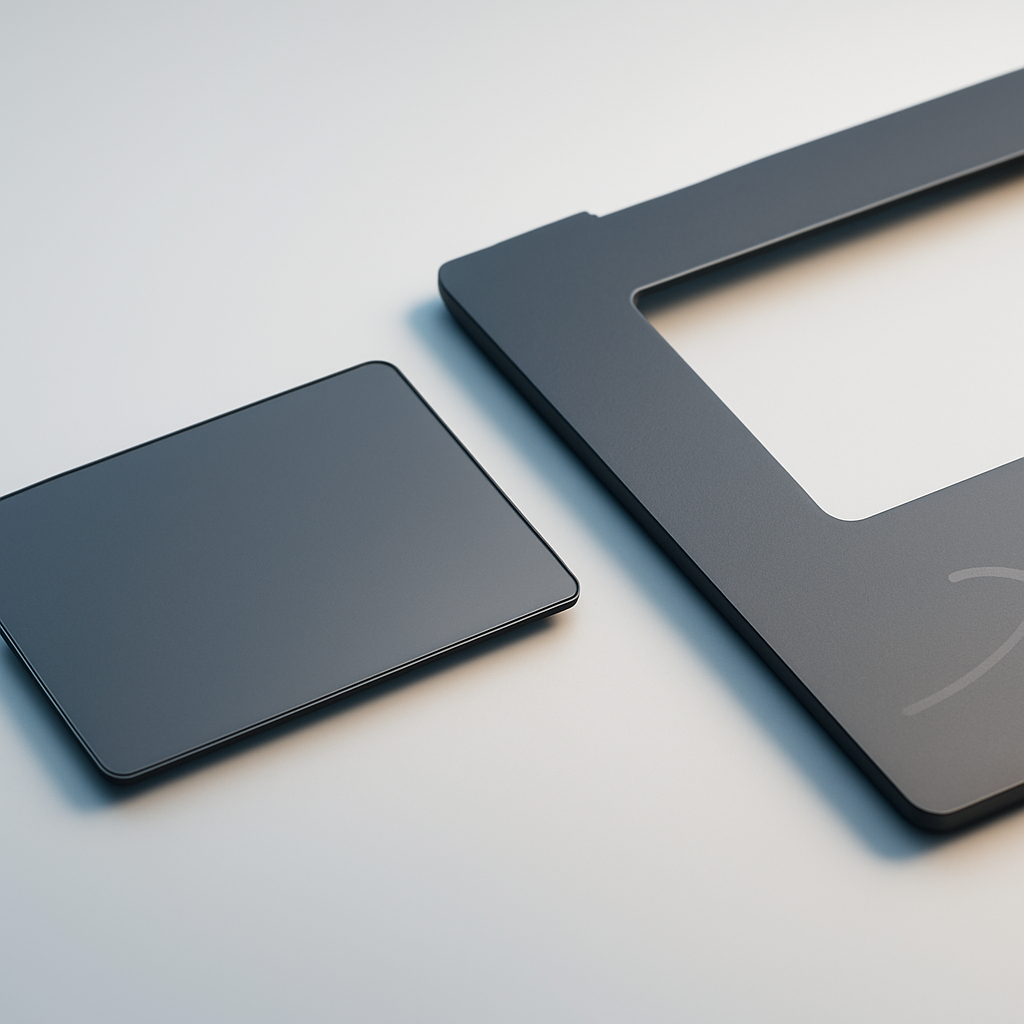
For most laptop users in Sri Lanka, the touchpad is the primary pointing device. When it stops working properly, the laptop becomes difficult to use – especially for travel, online classes and office work. For technicians, offering touchpad replacement can turn a basic job into a higher-value repair.
We supply laptop touchpads in Sri Lanka for various brands and models, supporting both retail and wholesale customers.
What This Product Is & Why It’s Important
A laptop touchpad (trackpad) is the built-in pointing device that controls the cursor and click functions. Some are separate parts; others are integrated into the palmrest.
Common failure symptoms:
- Cursor not moving or jumping randomly
- Left/right clicks not working
- Touchpad not detected in Windows
- Physical cracks or dents on the pad surface
A good-quality replacement improves everyday usability and overall user satisfaction.
Key Features / Specifications
- Type:
- Standalone touchpad module
- Touchpad integrated into palmrest housing
- Compatibility:
- Model-specific (HP, Dell, Lenovo, Asus, Acer, etc.)
- Features:
- Multi-touch gesture support
- Separate buttons or clickpad type
- Connection:
- Flat ribbon cable with specific connector
- Warranty:
- Warranty for manufacturing defects (no liquid or impact damage).
Product Variants We Offer
HP Laptop Touchpads
- HP 15 series touchpads
- ProBook & EliteBook clickpads
Dell Laptop Touchpads
- Inspiron & Vostro touchpads
- Latitude & XPS trackpads
Lenovo Laptop Touchpads
- Ideapad & ThinkPad trackpads (with/without buttons)
Asus & Acer Touchpads
- Common X, F, VivoBook, Aspire series models
Benefits of Buying From Us
- Model-Matched Touchpads – Correct fit and connector.
- Ideal for Refurbishment & Repairs – Make old laptops feel like new.
- Wholesale Rates – Better margins for laptop repair shops.
- Islandwide Delivery – Supplying parts across Sri Lanka for quick repairs.
How to Choose the Right Touchpad
- Check Laptop Model & Series:
- Exact model number ensures correct fit.
- Check Whether Touchpad is Separate or Built into Palmrest:
- Some models require full palmrest assemblies.
- Send Photos of Old Part:
- Helps confirm screw points, shape and connector position.
Common Problems & Solutions
- Problem: Cursor jumps or moves erratically
- Cause: Faulty touchpad or driver problem.
- Solution: Reinstall drivers; if still same, replace touchpad.
- Problem: Clicks not registering
- Cause: Worn-out click mechanism.
- Solution: Replace touchpad or clickpad assembly.
- Problem: Touchpad dead after liquid spill
- Cause: Internal corrosion.
- Solution: Replace touchpad; check motherboard for further damage.
FAQ
Q1. Can I fix a faulty touchpad with software only?
If it’s a hardware failure, only replacement will solve it permanently.
Q2. Do you supply complete palmrest with touchpad?
For selected models, yes. Please share your laptop model for confirmation.
Q3. Do you offer bulk discounts on touchpads?
Yes, service centers and refurbishers get special pricing.
👉 Technicians & refurbishers: Contact us for touchpad and palmrest availability and pricing.
👉 Retail users: If your touchpad is not working properly, send us your laptop model and we’ll guide your technician on the correct part.
WhatsApp : 071 380 3838